

A look inside our 48-hour testing process — from thermal benchmarks to stability runs — before any build leaves our facility.
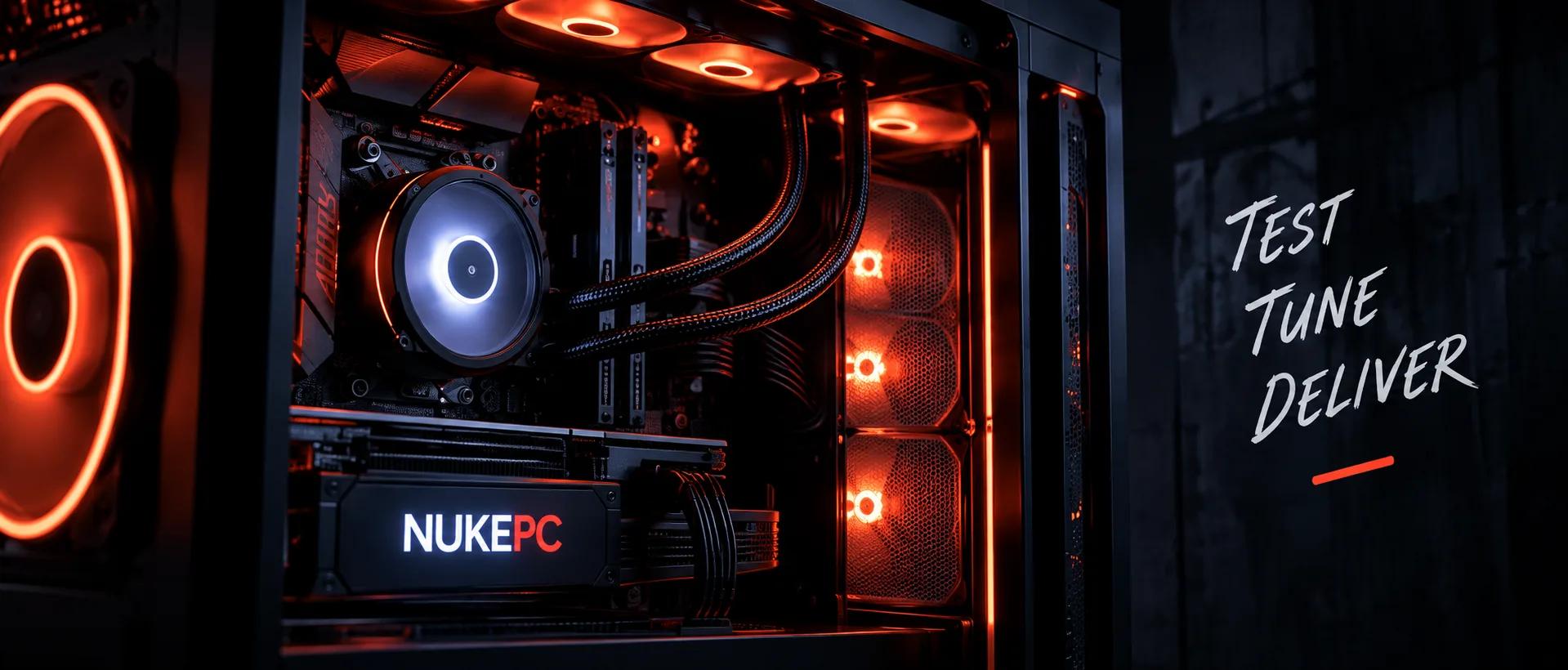
Every PC that leaves NukePC goes through a 48-hour stress test before it reaches you.
A PC isn't just a combination of components — it's an investment, and we take reliability seriously. Our testing process is designed to simulate real-world usage and push every system through demanding workloads before it reaches the customer.
We don't simply check whether the PC turns on.
We test how it performs, how it handles sustained workloads, how temperatures behave, and whether the entire system remains stable over extended periods.
Why We Test For 48 Hours
Component failures rarely show up in the first few minutes.
Running sustained workloads over two full days helps reveal problems that a quick benchmark might miss.
During testing, we look for things such as:
- Thermal throttling
- Unexpected crashes
- System instability
- GPU temperature behaviour
- CPU temperature behaviour
- Memory stability
- Storage performance
- Power delivery stability
- Fan and cooling performance
- Performance consistency
The objective is simple: make sure the system performs reliably before it leaves NukePC.
Our Testing Process
Our 48-hour testing process is divided into multiple stages.
0101 — Initial Hardware Inspection
Before the system enters the testing cycle, every major component is inspected.
We verify:
- CPU installation
- GPU installation
- RAM seating
- Storage connections
- Power connections
- Cooling installation
- Cable management
- Fan operation
This gives us a clean baseline before performance testing begins.
0202 — Temperature & Cooling Test
The system is placed under sustained CPU and GPU workloads.
We monitor:
- CPU temperatures
- GPU temperatures
- Fan speeds
- Thermal behaviour
- Clock speeds
- Performance consistency
The goal is to make sure the cooling system can handle sustained workloads rather than only short bursts.
0303 — CPU Stress Testing
The CPU is placed under extended workloads to verify stability.
We monitor the system throughout the process and check whether performance remains consistent during prolonged operation.
This helps identify thermal or stability issues that may not appear during normal short-duration benchmarks.
0404 — GPU Stress Testing
The GPU is tested using demanding workloads.
We check:
- GPU temperature
- Clock behaviour
- Fan performance
- Stability
- Rendering performance
- Unexpected crashes or artifacts
A gaming PC needs to remain stable not only for a few minutes, but throughout long gaming sessions.
0505 — Memory & Storage Testing
RAM and storage are also checked as part of the validation process.
We verify system stability and make sure the components are operating as expected before the build moves forward.
Tools We Use
Different stages of our testing process use different benchmarking and monitoring tools.
The exact tools can vary depending on the configuration.
Typical testing categories include:
CPU — Stress testing and performance benchmarks.
GPU — Graphics workloads and sustained rendering tests.
Memory — Stability and memory validation.
Storage — Read/write and performance validation.
Monitoring — Temperature, clock speed, fan speed and system behaviour monitoring.
What We Look For
Numbers alone don't tell the complete story.
We look at how the complete system behaves together.
A system may produce excellent benchmark numbers, but if temperatures continue climbing or stability drops during extended workloads, the build isn't ready.
That's why our testing process focuses on:
Performance + Stability + Thermals + Consistency
The goal is to deliver a system that performs the way it should in real-world use.
A great PC isn't just about high numbers. It's about stability, reliability and a great experience — every single day. — A2D Nandha
Before It Ships
After completing the testing cycle, the system goes through a final inspection.
We verify the physical build, component operation, software environment and overall system behaviour.
Only after the required checks are completed is the PC prepared for packaging and delivery.
Built. Tested. Ready.
Final Thoughts
Building a PC is only part of the process.
Testing it properly is what gives us confidence that the system is ready for its next destination — your desk.
At NukePC, the goal isn't simply to build a powerful machine.
It's to build a system you can trust.